StixCut is now available for Windows. This first beta brings the complete feature set from the macOS app to Windows, including local libraries, auto-pack, editable cutlines, SVG support, kiss-cut and perf-cut workflows, peel tabs, custom materials, and direct USB or Bluetooth connections to the PixCut S1.
The Windows version is new, so I am calling it a beta while it gets more time in real production workflows. I welcome every bug report, rough edge, and piece of feedback at [email protected].
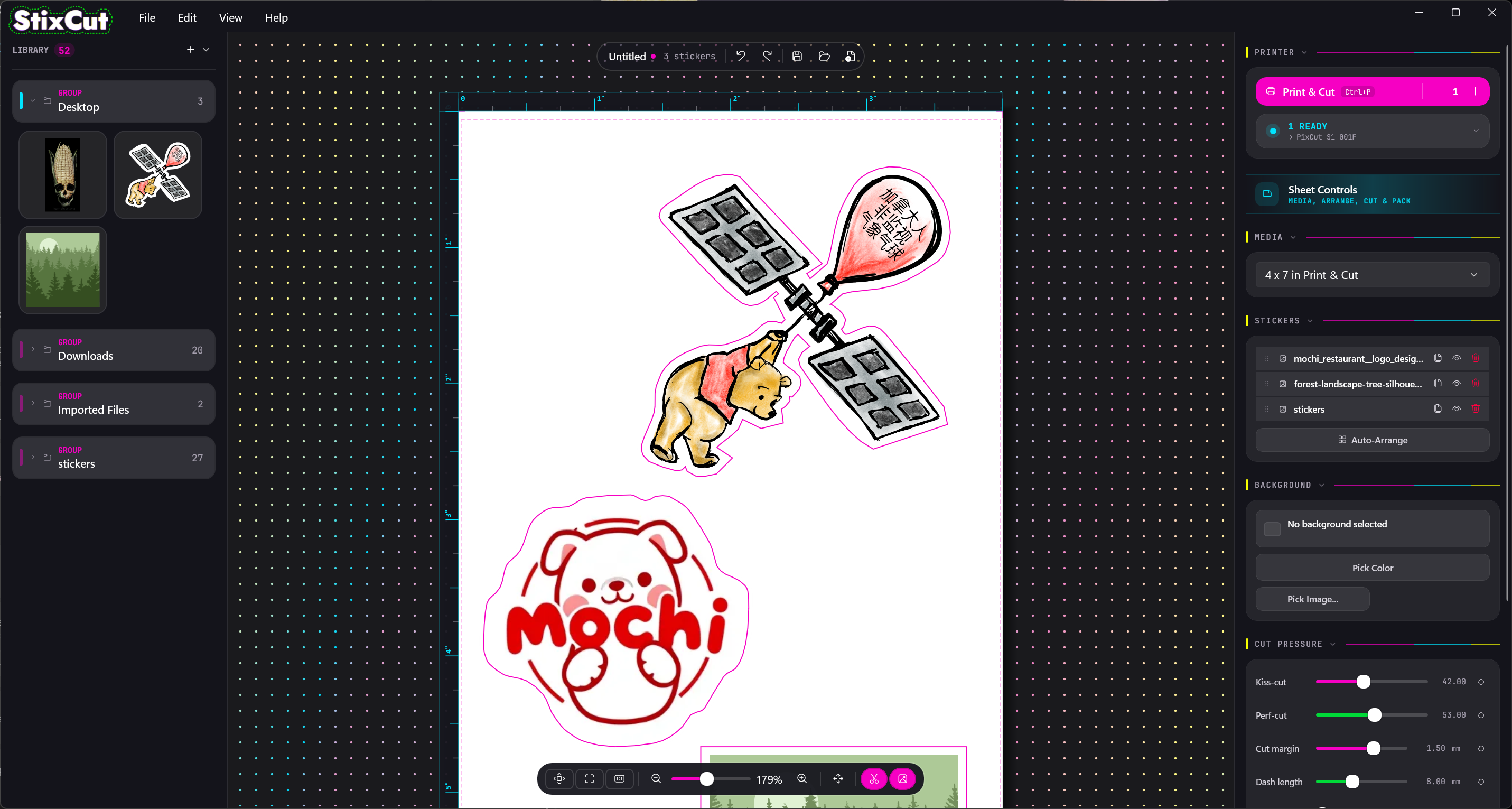
Before installing the Windows beta
The current Windows installer is not signed, so Windows will identify it as coming from an unknown publisher. Only install StixCut downloaded directly from stixcut.com. I plan to sign future releases and publish StixCut in the Microsoft Store.
Automatic updates are not available on Windows yet. The app will alert you when a new version is released, and you can return to stixcut.com to download the latest installer.
Your existing StixCut Mac license works on Windows. Licenses purchased or first used on Windows also work on macOS, so you do not need to buy StixCut again when moving between platforms.
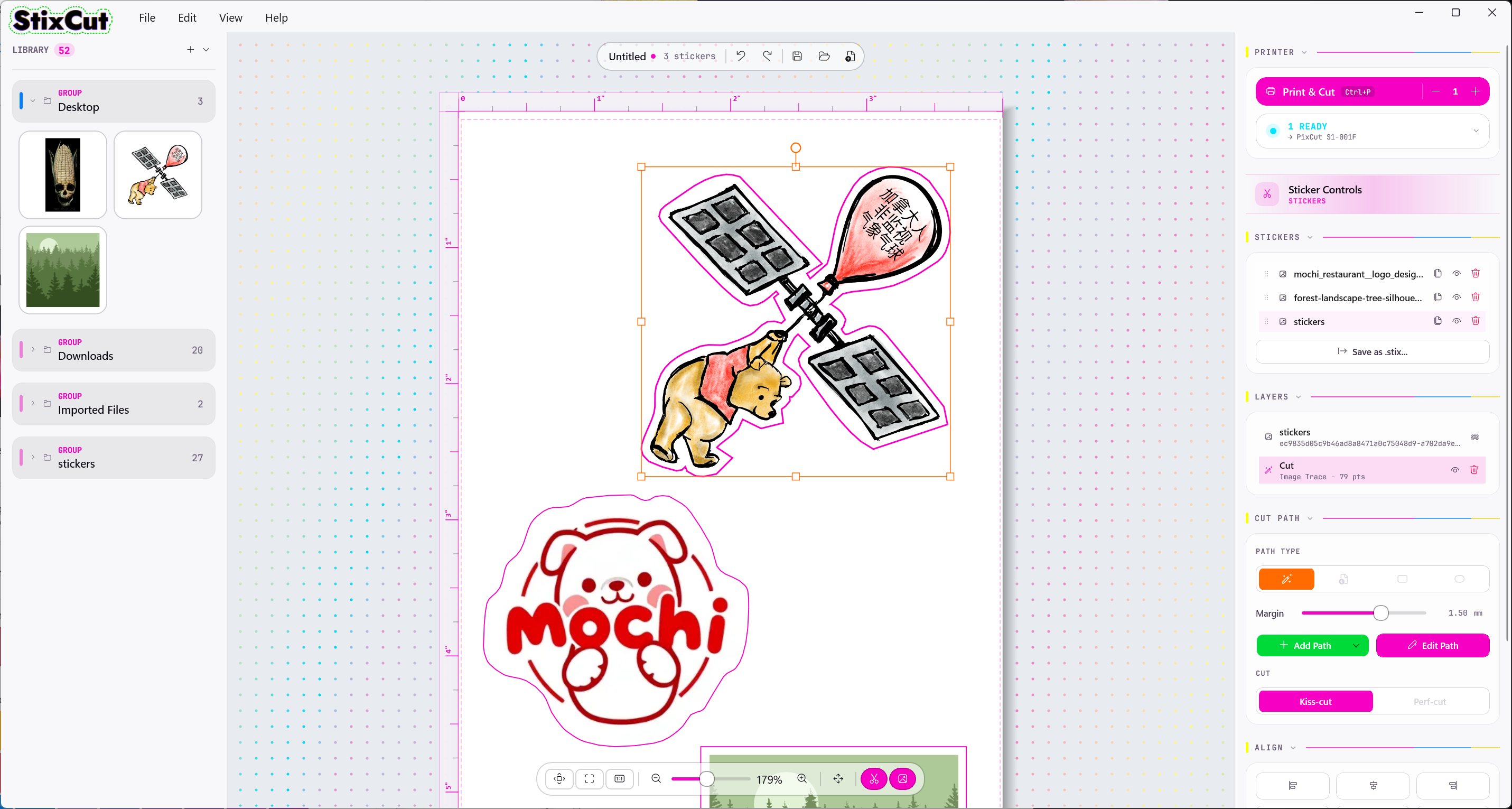
A new macOS update, too
Alongside the Windows beta, the latest macOS release includes several workflow improvements and fixes:
- Run multiple copies of StixCut at the same time.
- Improved handling of SVG files imported from the library.
- Quality-of-life improvements throughout auto-pack.
- General reliability fixes, including a bug that could prevent photo-print jobs from printing over USB.
Whether you use macOS or Windows, StixCut keeps the same local-first workflow: no cloud library, no required account, and no need to upload your artwork before you can print and cut it.
-Dan
Choose your platform ->